In order to use Xenia Connect, you will need to sign up to our developer portal.
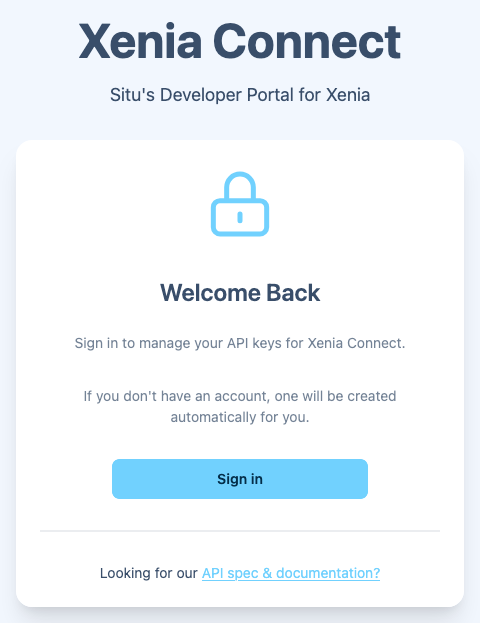
Once you have signed in (which will register you as well) you will be able to create and manage your API keys.
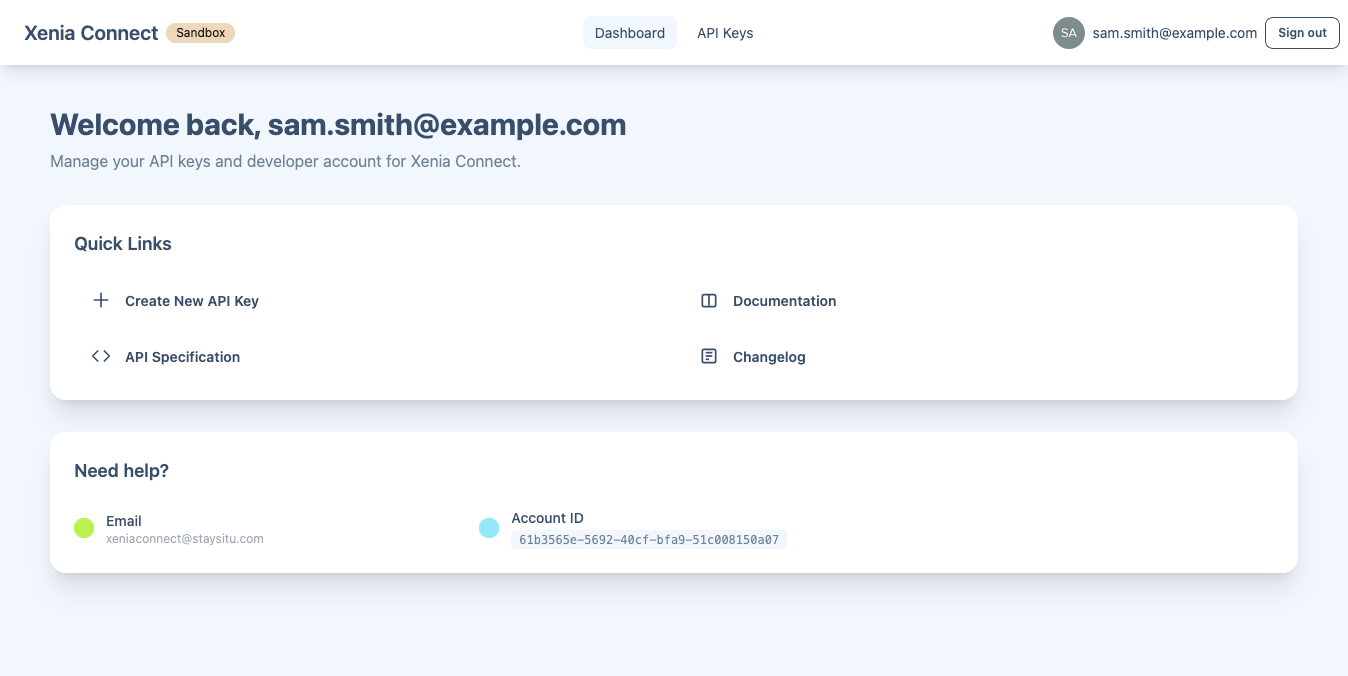
You can create multiple API keys for different applications or environments. Each key can be managed individually, allowing you to regenerate or revoke access as needed.
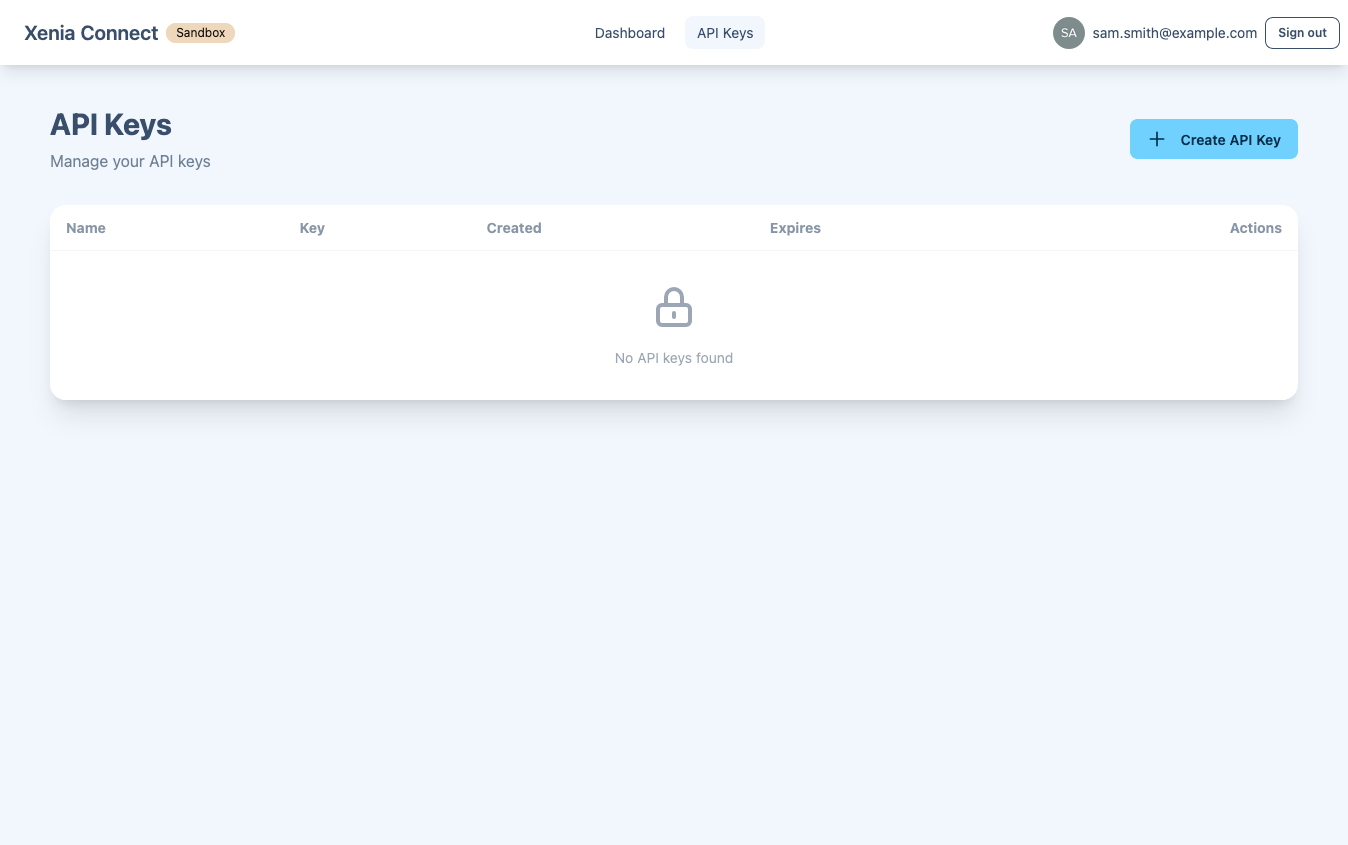
When creating a new API key, you can provide a name and to help you identify its purpose.
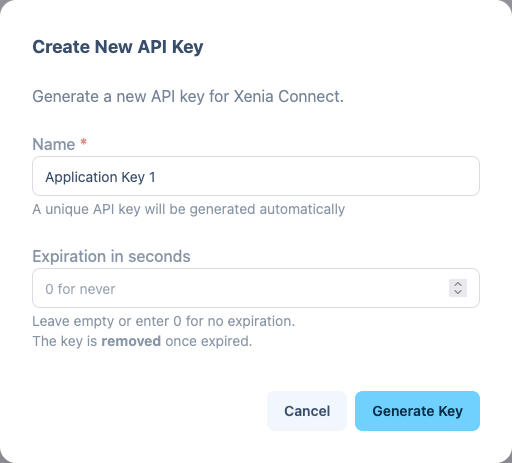
Warning If you wish to set an expiry on the API key you can do so. Once an API key has expired it will be removed from your account.
Once your API key has been created, please get in touch with us using the email you registered with so we can complete the account setup process.
You can contact us by going to the Support page.